Imagine this: You’re drowning in a sea of statistics about the world’s most adorable dog breeds. Spreadsheets are multiplying like Gremlins after midnight, and your design skills are about as sharp as a butter knife. But then, a beacon of hope appears: the AI Infographic Generator. You feed it your data buffet, whisper a few keywords about fluffy paws and wagging tails, and poof! Out pops an infographic that’s as cute as a puppy pileup. Charts dance with bar graphs, icons do the paw-paw, and even the data labels seem to wag their tails in approval.
But don’t let the ease fool you. These AI whizzes are backed by some serious smarts. They can:
- Analyze your data like a bloodhound on a scent trail, sniffing out the most compelling insights and relationships.
- Craft visuals that would make Michelangelo jealous, with a knack for using color, shapes, and layout to tell your story in a way that sticks.
- Crack jokes that would leave even the punniest parrot speechless, because apparently, robots are now developing a sense of humor too (although it’s still a bit on the binary side).
Of course, it’s not all sunshine and rainbows. Some AI generators are still in their awkward teenage phase, prone to occasional bouts of nonsensical chart placement and questionable color choices. But hey, that’s just part of the charm, right? It’s like having a creative partner who’s equal parts brilliant and slightly bonkers.
And the best part? These AI tools are democratizing design, making it possible for anyone, from data geeks to dog-eared librarians, to create infographics that are both informative and eye-catching. So ditch the design despair and embrace the robot renaissance!
Here are some fun facts and stats to sprinkle on your infographic creation journey:
- The global infographic market is expected to reach a whopping $1.2 billion by 2025. That’s a lot of bar charts and pie graphs!
- According to a study by Venngage, 70% of people learn best visually, making infographics a powerful tool for communication and education.
- A well-designed infographic can increase brand awareness by up to 30% and boost website traffic by 12%. Not bad for a bunch of colorful squares and circles, eh?
Infographics pack a serious punch when it comes to communication and engagement. Let’s delve into the world of infographic statistics and discover just how powerful these visual storytellers can be:
** Memory Masters:**
-
78% more information retention: Studies have shown that people retain information 78% better when it’s presented in an infographic compared to plain text. That’s because our brains are wired to process visuals much faster and more effectively.
-
Faster than a speeding text scroll: Infographics can be processed 60 times faster than plain text. In our fast-paced world, this makes them a perfect tool for quickly conveying complex information.
** Engagement All-Stars:**
-
30 times more likely to be read: People are 30 times more likely to read an infographic than a text-heavy article. This makes them ideal for capturing attention and boosting engagement with your content.
-
12% website traffic boost: Websites that use infographics generate 12% more traffic than those that don’t. Infographics can act as magnets, drawing viewers in and encouraging them to explore your website further.
-
Social media magnets: Infographics are shared on social media 3 times more often than other types of content. This makes them a powerful tool for spreading your message and reaching a wider audience.
** Business Benefits:**
-
28% better information findability: Businesses that use infographics are 28% more likely to find the information they need. Infographics can help organize and clarify data, making it easier for people to find what they’re looking for.
-
Increased brand awareness: Infographics can increase brand awareness by up to 30%. Their eye-catching nature and shareable format make them perfect for getting your brand noticed.
-
ROI on the rise: The return on investment (ROI) for infographics is on the rise. With the increasing popularity of visual content, infographics are becoming a more cost-effective way to reach your target audience.
So, the next time you have complex information to share, consider using an infographic. The statistics speak for themselves: infographics are a powerful tool for boosting engagement, memory retention, and even your bottom line.
Here are some additional bonus stats to ponder:
- 65% of brands use infographics for marketing purposes.
- 45% of online visitors are more likely to click on a link if they know it contains an infographic.
- The global infographic market is expected to reach $1.2 billion by 2025.
How AI is Revolutionizing Infographic Creation
Remember the days of wrestling with spreadsheets, sweating over design software, and feeling like your infographic creation process was trapped in the Dark Ages? Well, fret no more, fellow information enthusiasts! The dawn of the AI Infographic Revolution is upon us, and it’s about to transform the way we visualize data from tedious chore to creative playground.
Here’s how AI is shaking up the infographic game:
-
Data Wrangling Wizards: Say goodbye to endless hours of data cleaning and wrangling. AI algorithms can now ingest complex datasets, identify patterns and trends, and even suggest the most compelling insights to highlight. You’ll be a data Jedi in no time.
-
Design Dynamos: Forget struggling with layout, color palettes, and font choices. AI tools can analyze your data and automatically generate visually stunning layouts, color schemes, and iconography that complement your message perfectly. It’s like having a design genie in your pocket.
-
Personalization Powerhouse: No more one-size-fits-all infographics. AI can tailor your infographic to specific audiences, taking into account factors like demographics, interests, and even cultural nuances. Imagine crafting infographics that resonate like a whispered secret to your target audience.
-
Efficiency Experts: Gone are the days of spending weeks on a single infographic. AI can streamline the process, automating repetitive tasks and generating drafts in a fraction of the time. More time for brainstorming, storytelling, and, of course, coffee breaks.
-
Creative Catalysts: Stuck in a rut? AI can break your creative block by suggesting unexpected data combinations, visual metaphors, and even humorous elements. Prepare to be surprised and delighted by the possibilities that emerge.
But it’s not all rainbows and unicorns (yet). Some AI tools are still in their training wheels phase, occasionally spitting out wonky layouts or questionable color combinations. But hey, that’s just part of the journey, right? Think of it as your AI partner adding a touch of quirky charm to your masterpiece.
The bottom line? AI is democratizing infographic creation, making it accessible to anyone with a story to tell and data to share. No longer the domain of design superstars, infographics are now within reach of data analysts, educators, bloggers, and even dog-eared librarians.
So, grab your data, fire up your favorite AI generator, and let your creativity run wild! The only limit is your imagination (and maybe your internet bandwidth). Remember, the future of infographics is bright, colorful, and powered by AI. And you’re invited to join the revolution!
5 Reasons Why AI Infographic Generators are the Future of Visual Content Creation
In the age of information overload, attention spans are dwindling faster than a scoop of ice cream on a hot day. That’s where AI infographic generators step in, revolutionizing visual content creation by transforming dry data into eye-catching stories in a blink. Here’s why they’re the future:
1. Democratizing Design: No longer reserved for design gurus, AI generators unlock creative power for everyone. Even data geeks and word nerds can whip up professional-looking infographics, making complex information accessible and engaging.
2. Speed Demon on Steroids: Say goodbye to days spent wrestling with design software. AI pumps out infographics in a fraction of the time, freeing you to focus on the real magic – brainstorming, storytelling, and that extra cup of coffee.
3. Data Whisperers: Forget deciphering spreadsheets yourself. AI algorithms mine your data, sniffing out hidden insights and weaving them into a compelling narrative. It’s like having a data Sherlock Holmes in your pocket.
4. Style Chameleon: From sleek and minimalist to playful and vibrant, AI tools can adapt to any brand aesthetic. No more cookie-cutter templates, just infographics that reflect your unique voice and vision.
5. Innovation Playground: Tired of the same old bar charts and pie graphs? AI goes beyond, generating unexpected layouts, creative visualizations, and even humorous elements to keep your audience on the edge of their seats.
But AI isn’t just about bells and whistles. It’s about impact:
- Boosting Engagement: Eye-catching visuals, coupled with data-driven insights, grab attention and spark curiosity, leading to increased shares, clicks, and conversions.
- Sharpening Memory: Studies show that people retain information 78% better with infographics, making them a powerful tool for education and brand awareness.
- Saving Time and Money: By streamlining the infographic creation process, AI saves precious resources and lets you focus on what matters most – your message.
Best AI Infographic Generators in 2024
Here’s a comparison to help you decide the right one for you
| Infographic Maker | Features | Ease of Use | Pricing | Popularity |
|---|---|---|---|---|
| Canva | Wide range of templates, drag-and-drop interface, image library | Beginner-friendly, intuitive | Free plan available, paid plans starting at $9.95/month | Highly popular and widely used |
| Venngage | Templates, customizable charts, infographic creator, data import | Easy to use with helpful tutorials | Free plan available, paid plans starting at $19/month | Growing popularity among professionals |
| Piktochart | Templates, charts and maps, data import, collaboration features | User-friendly with a learning curve | Free plan available, paid plans starting at $24.17/month | Established and widely recognized in the industry |
| Visme | Templates, data visualization tools, animated and interactive infographics | Beginner-friendly with drag-and-drop interface | Free plan available, paid plans starting at $25/month | Growing popularity for data-driven visuals |
| Infogram | Charts, interactive graphics, data import, real-time data updates | User-friendly, intuitive interface | Free plan available, paid plans starting at $19/month | Established and trusted tool for data visualization |
| Easel.ly | Templates, customizable elements, drag-and-drop editor | Easy to use with a learning curve | Free plan available, paid plans starting at $4/month | Popular among educators and students |
| Mind the Graph | Scientific and medical illustrations, templates, data import | Beginner-friendly with guided tutorials | Free plan available, paid plans starting at $6/month | Popular in the scientific and medical community |
| Adioma | Visual templates, icons and shapes, data import | User-friendly with guided tutorials | Free plan available, paid plans starting at $39/month | Popular among professionals for data visualization |
| Animaker | Animaker is a cloud-based animation tool offering customizable templates, characters, varied pricing, and 4K video exports. | Easy to use with a learning curve. | Monthly subscription at $35 per month. And yearly subscription at $19 per month, billed annually at $228. |
Popular animation video maker used by a wide range of users |
| Snappa | Templates, drag-and-drop editor, image library | Beginner-friendly with a simple interface | Free plan available, paid plans starting at $10/month | Gaining popularity for quick and easy graphic designs |
| Genially | Interactive and animated infographics, multimedia integration | Beginner-friendly with a wide range of templates | Free plan available, paid plans starting at €8/month | Increasing popularity for interactive and engaging visuals |
| Adobe Spark | Templates, custom themes, video, and animation capabilities | User-friendly with step-by-step guidance | Free plan available, paid plans starting at $9.99/month | Widely recognized and used, popular among professional designers |
1. Canva Infographic Maker
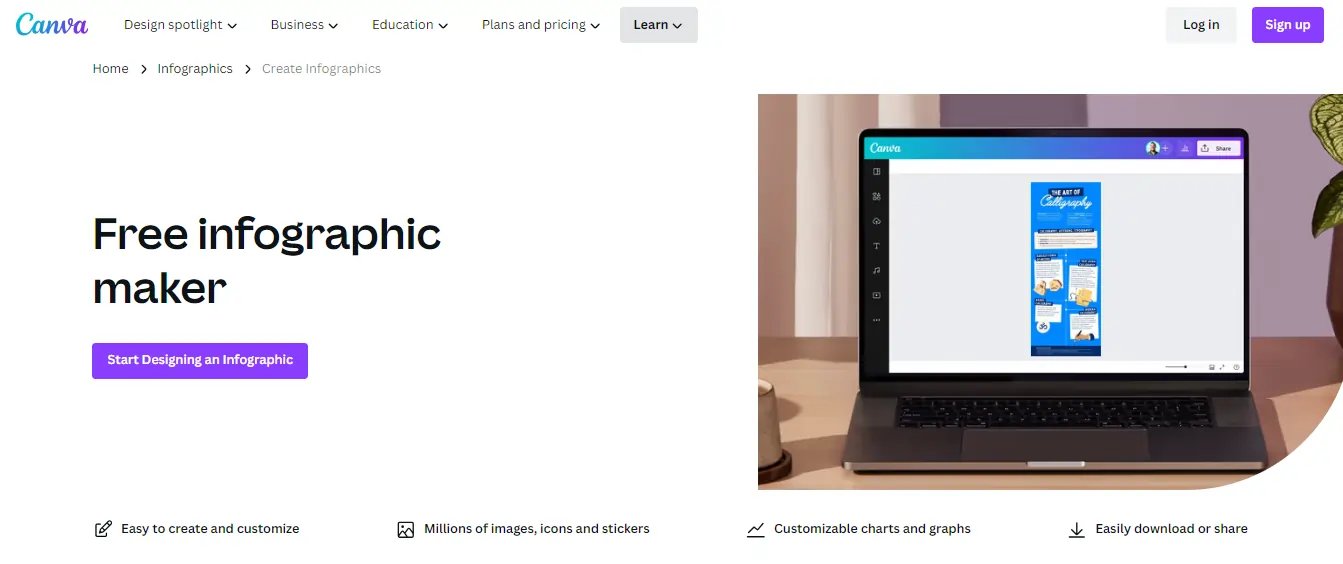
Canva is a widely popular graphic design platform that offers an easy-to-use infographic maker. It provides a wide range of templates, icons, and images to create stunning infographics. Canva also offers AI-powered design suggestions to enhance your infographic.
Key Features:
Pros:
Cons:
Pricing Plans:
- Free Plan: Canva offers a free version that provides access to basic features, limited templates, and a curated library of free elements and images.
- Canva Pro: The Pro plan costs $12.95 per user per month (when billed annually) and offers additional features such as access to all templates, extensive stock image library, resizing options, and the ability to create custom templates.
- Canva Enterprise: The Enterprise plan is suitable for larger teams and businesses. Pricing is available upon request and includes additional features like advanced collaboration tools, team functionalities, and brand control options.
2. Venngage
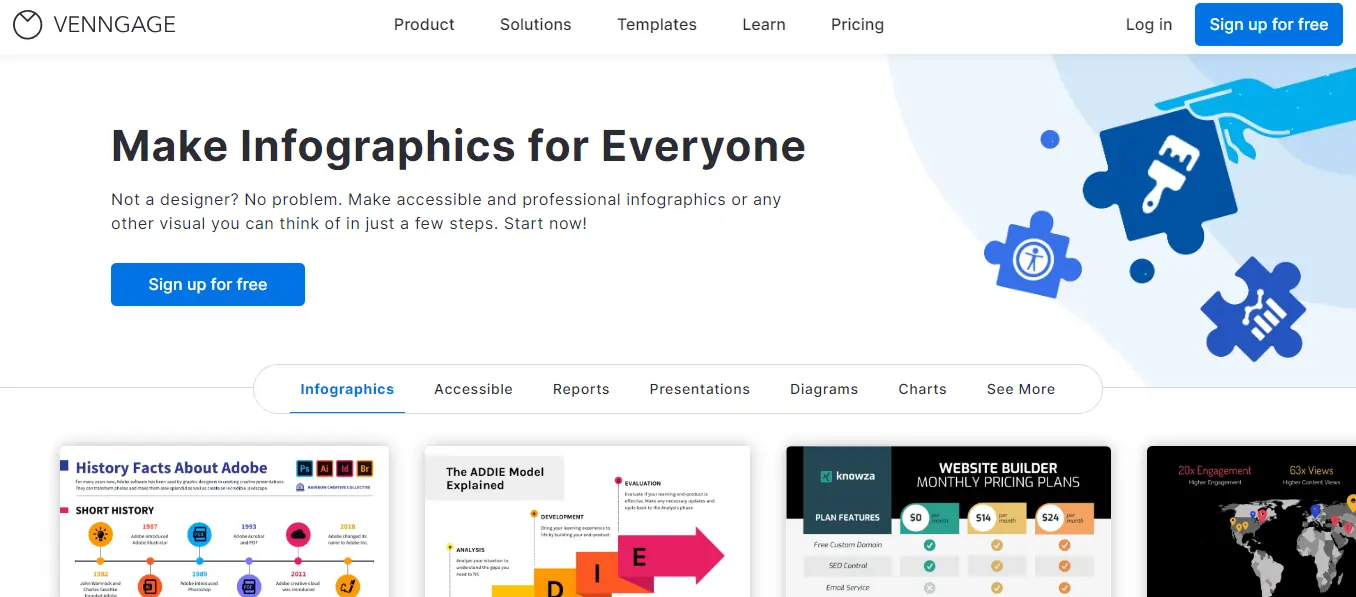
Venngage is another popular AI infographic generator used by professionals and businesses. It offers a simple drag-and-drop interface, a vast library of templates, icons, charts, and maps, making it easy to create engaging infographics.
Key Features:
Pros:
Cons:
Pricing Plans:
- Free: Offers limited design options, exports with Venngage watermark, and allows only 5 designs.
- Premium: Starting at $19 per month, it provides access to all templates and design features, removes watermarks, and allows unlimited designs.
- Business: Starting at $49 per month, it includes advanced team collaboration options, brand customization, and priority customer support.
- Enterprise: Offers custom pricing for larger teams or organizations with specific needs, including dedicated account managers and onboarding support.
3. Piktochart
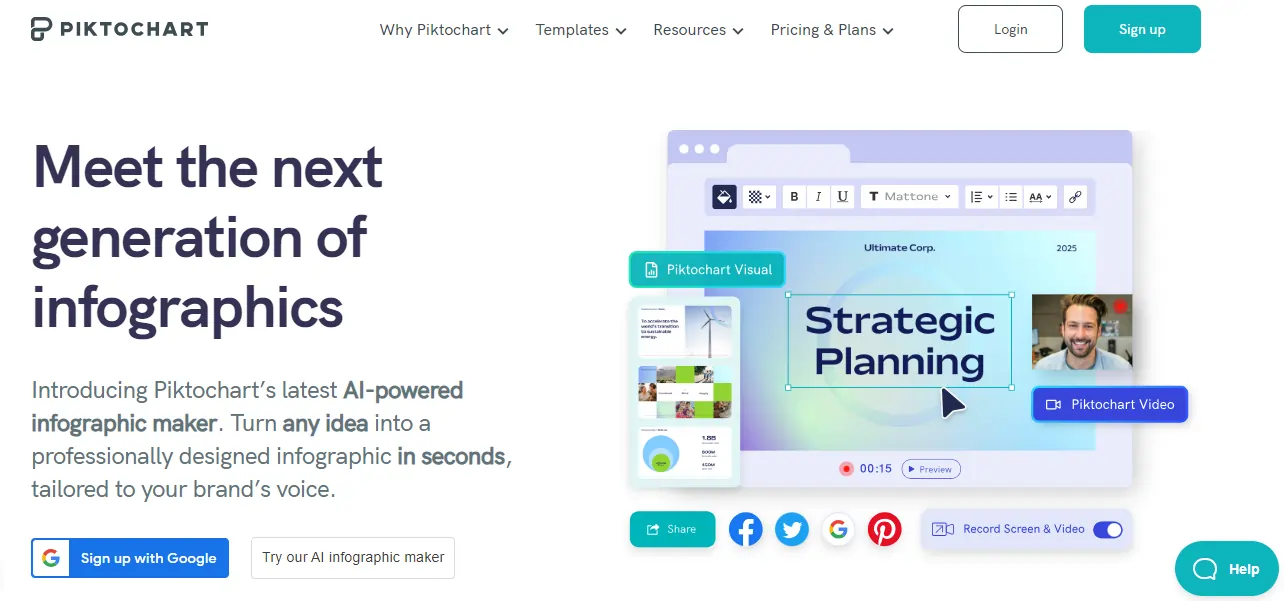
Piktochart is an intuitive AI-powered infographic maker that offers customizable templates, charts, icons, and images. It also provides access to millions of stock photos and vectors to enhance your infographics.
Key Features:
Pros:
Cons:
Pricing Plans:
- Free: Provides basic access to templates, images, and icons, with limited exports and a Piktochart watermark.
- Lite: Starting at $12.50 per month, it offers more templates, increased storage, high-resolution exports, and removes the watermark.
- Pro: Starting at $29 per month, it provides access to all features, including interactive elements, PDF exports, and increased storage.
- Team: Offers custom pricing for businesses or teams with additional collaboration options, shared libraries, and enhanced security.
4. Visme

Visme is a comprehensive visual content creation tool that includes an AI-powered infographic generator. It offers a vast library of templates, charts, maps, images, and icons, along with easy customization options to create stunning infographics.
Key Features:
Pros:
Cons:
Pricing Plans:
- Free Plan: Limited features, up to 5 projects, and 100 MB of storage.
- Single User Plans: Ranging from $15 to $39 per month, with additional features such as brand kit, premium templates, and increased storage.
- Team Plans: Starting at $75 per month for up to three users, with advanced collaboration and team management features.
5. Infogram
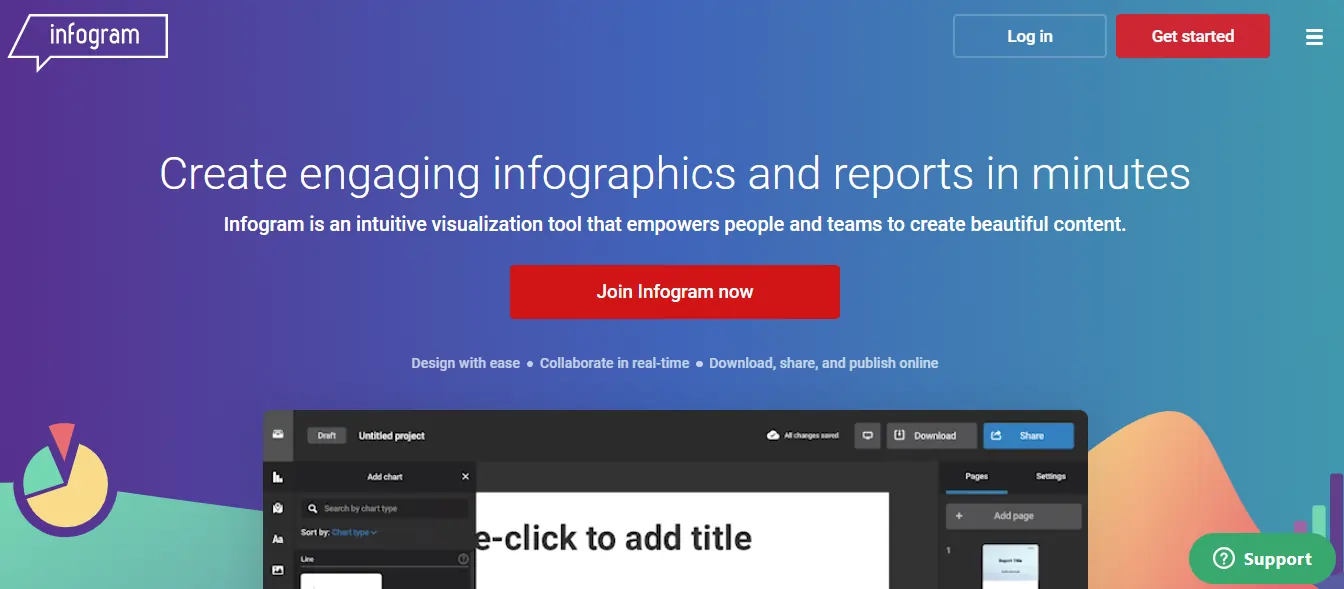
Infogram is a popular AI-powered infographic generator that offers a wide range of pre-designed templates, charts, and maps. It provides features such as real-time data updates, animations, and interactivity to make your infographics more engaging.
Key features:
Pros:
Cons:
Pricing Plans:
- Basic Plan: Free plan with limitations on the number of infographics and downloadable projects.
- Pro Plan: Starting at $19 per month, offering more features, including additional templates, custom branding, and increased storage.
6. Easel.ly
Easel.ly is an AI-powered infographic maker that provides a drag-and-drop interface along with a vast collection of templates, shapes, and design objects. It also allows you to import data from spreadsheets to create data-driven infographics.
Key features:
Pros:
Cons:
Pricing plans:
Easel.ly offers both free and paid plans. The free plan provides basic functionality and access to a limited number of templates and images. The pro plan, priced at $3 per month, offers additional features such as premium templates, high-quality downloads, and priority support.
7. Mind the Graph
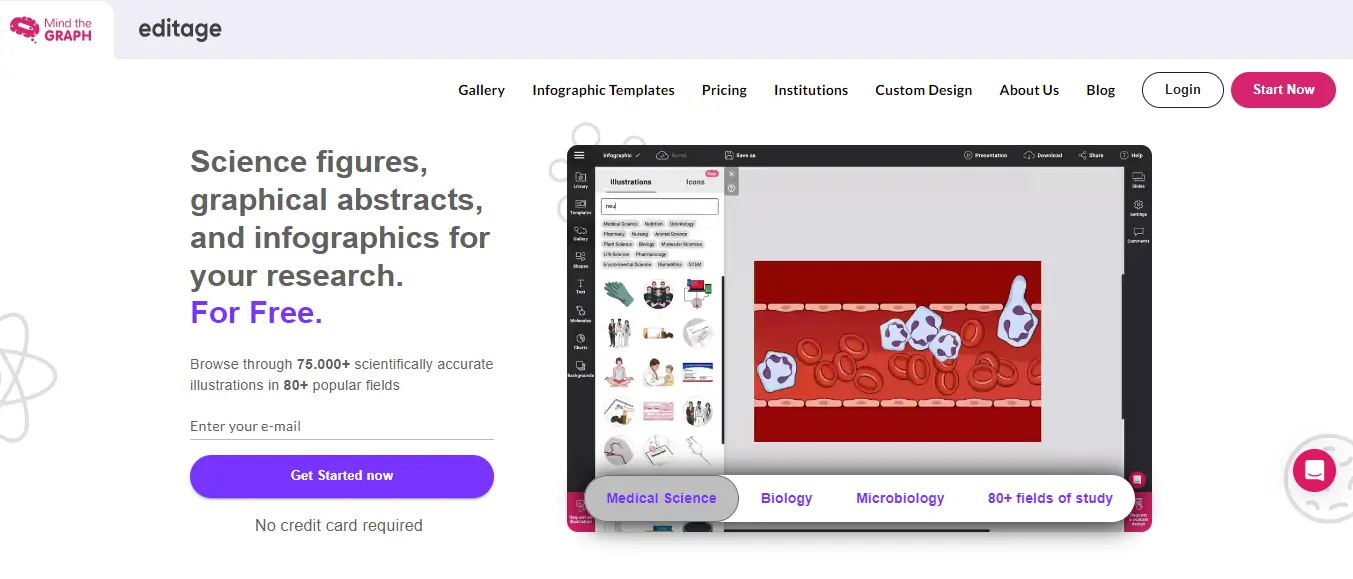
Mind the Graph is a unique AI-powered infographic tool designed specifically for scientific and academic purposes. It offers a library of scientific illustrations, icons, and templates to create visually appealing scientific infographics.
Key features:
Pros:
Cons:
Pricing plans:
Mind the Graph offers a variety of pricing plans tailored to different user needs. The plans range from a free basic plan with limited features, to premium plans with advanced options, including higher-quality visuals, larger image libraries, and more customization capabilities. The pricing starts at $12 per month for individual users and varies for teams and institutions based on the number of users and specific requirements.
8. Adioma
Adioma is an AI-powered infographic generator that focuses on storytelling through infographics. It offers a wide range of customizable templates, icons, and images, along with an intuitive interface to create narrative-driven infographics.
Key Features:
Pros:
Cons:
Pricing Plans:
- Starter Plan: $39/month, providing access to basic features, limited exports, and 20 infographic templates.
- Pro Plan: $59/month, offering advanced features, unlimited exports, and a wider range of templates and customization options.
- Business Plan: $249/month, tailored for teams with advanced collaboration features, priority support, and multiple user access.
9. Animaker

Animaker is a cloud-based do-it-yourself animation video-making platform that allows users to create professional-looking animated videos without any prior animation experience. It offers a wide range of features, including pre-built templates, drag-and-drop functionality, and a library of royalty-free music and sound effects.
Animaker is a popular choice for businesses, educators, and individuals who want to create engaging and informative videos. It is easy to use and allows users to create videos quickly and easily. Additionally, Animaker offers a variety of pricing plans to fit different budgets.
Animaker Key Features:
Pros:
Cons:
Pricing Plans:
Animaker offers two different subscriptions plans
- Monthly subscription at $35 per month.
- Yearly subscription at $19 per month, billed annually at $228.
10. Snappa
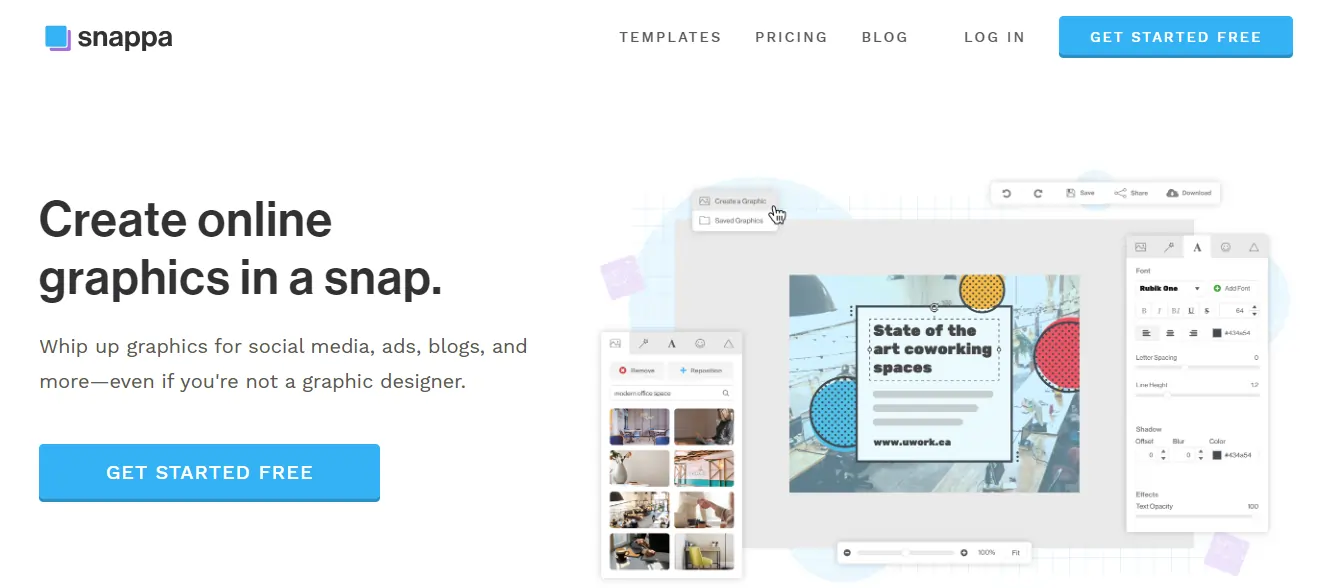
Snappa is an AI-powered graphic design tool that includes an infographic generator. It offers a wide range of customizable templates, images, icons, and shapes to create visually appealing infographics.
Key Features:
Pros:
Cons:
Pricing Plans:
- Free: Limited access to templates, graphics, and exports, with up to 5 downloads per month.
- Pro: $10/month (billed annually) or $20/month (billed monthly) for unlimited downloads, enhanced collaboration, and access to premium templates.
11. Genially

Genially is an all-in-one content creation tool that includes an AI-powered infographic generator. It provides interactive templates, charts, maps, and multimedia elements to create engaging and interactive infographics.
Key Features:
Pros:
Cons:
Pricing Plans:
- Free: Basic features with limited access to templates and exports.
- Premium: €8/month (billed annually) or €10/month (billed monthly) for full access to templates, advanced features, and removal of the Genially watermark.
12. Adobe Spark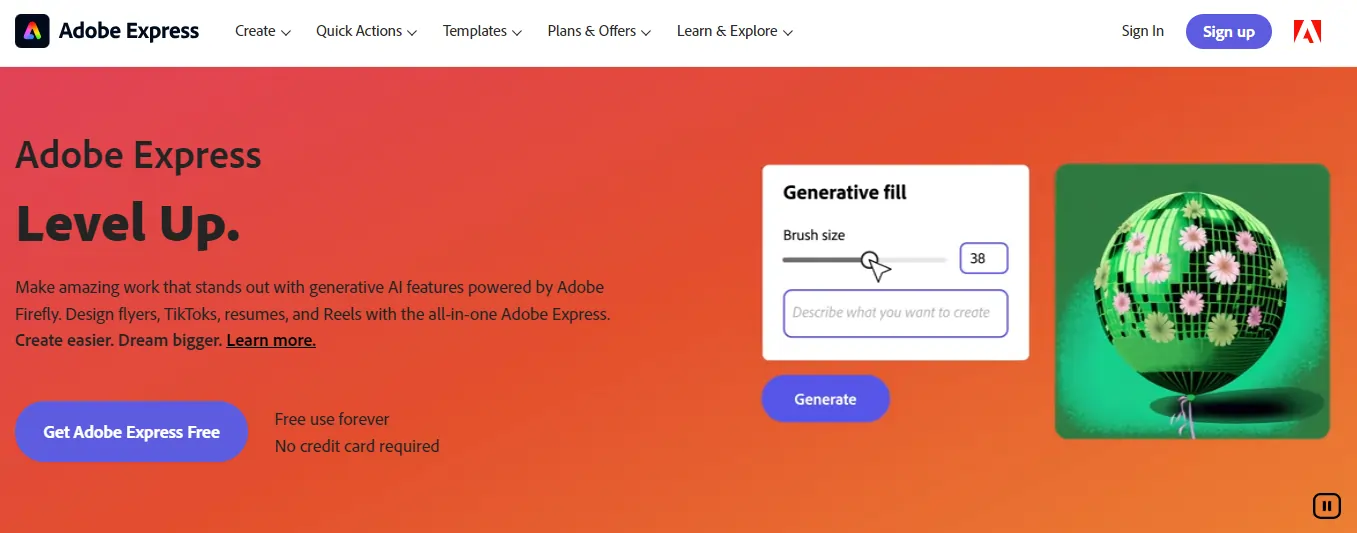
Adobe Spark is a popular design tool that offers an AI-powered infographic generator. It provides professional templates, design customization options, and access to a vast library of images to create visually stunning infographics.
Key Features:
Pros:
Cons:
Pricing Plans:
- Starter: Free version with limited features and Adobe branding on designs.
- Individual: $9.99/month for access to all features, premium templates, customization options, and removal of Adobe branding.
The Role of AI in Data Visualization and Infographic Generation
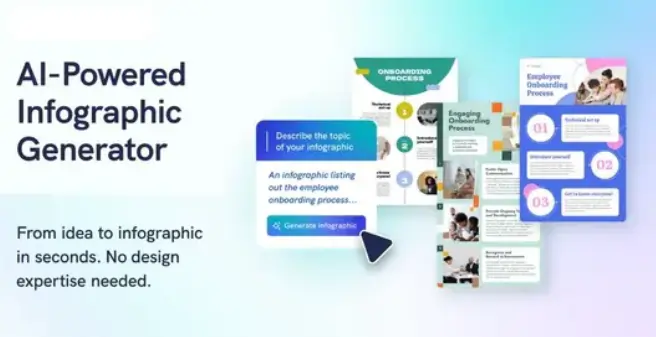
Artificial intelligence (AI) is revolutionizing data visualization and infographic creation by automating repetitive tasks and generating customized visuals more efficiently. AI tools like Appy Pie Design and Piktochart AI analyze data sets and transform them into visually compelling infographics in minutes.
Key benefits of AI in data visualization include higher consistency in visual styles, increased productivity for designers, and the ability to create interactive elements easily. AI algorithms also select optimal layouts, fonts, colors and visualizations based on the data and design needs. This has opened up creative possibilities for data storytelling and conveying complex information to broad audiences.
Moreover, AI can generate standard charts from data inputs, and even customize them by choosing the most suitable visual styles.
Overall, AI empowers faster creation of accurate, appealing infographics for both marketing and data analysis needs. Rather than replacing designers, it augments human creativity to boost productivity. As AI capabilities grow, data visualization will become more efficient, dynamic and impactful.
FAQs related to Best AI Infographic Generators
How does an AI Infographic Generator work?
AI Infographic Generators typically use machine learning algorithms to analyse data and identify patterns and relationships. They then automatically generate charts, graphs, icons, and other visual elements that represent the data.
What are the benefits of using an AI Infographic Generator?
Using an AI Infographic Generator can save time and effort in creating infographics. It eliminates the need for manual design work by automating the process. Additionally, AI algorithms can analyse and present data in a way that is visually appealing and easy to understand, making the information more engaging and accessible to users.
What types of data can be used with an AI Infographic Generator?
AI Infographic Generators can handle various types of data, including numerical data, statistical data, survey results, and text data. They can create visual representations such as bar charts, line graphs, pie charts, maps, and diagrams based on the input data.
Are AI Infographic Generators user-friendly for non-designers?
Yes, AI Infographic Generators are designed to be user-friendly, even for individuals without design experience. Many tools also provide templates and design presets for quick and easy creation.
Can I use an AI Infographic Generator for commercial purposes?
Yes, many AI Infographic Generators offer commercial licenses or subscriptions that allow users to create and use infographics for commercial purposes.
Conclusion
“Visuals are far more memorable than words alone. After reading, 65% of the population are visual learners, able to recall images, designs, and graphics with far more accuracy than text.” – Hubspot
With this in mind, infographics and data visualizations are invaluable for communicating complex ideas and research in an accessible, engaging way.In this article, we explored the top 12 AI-powered infographic generators that are revolutionizing visual content creation. Their advanced algorithms and design automation enable anyone to make high-quality infographics in minutes. But will these tools threaten human graphic designers? Or do they open new creative possibilities by handling repetitive tasks?
Ultimately, AI frees us to focus less on execution and more on strategy, concept, and storytelling. The future roles of humans and AI in design will involve unique synergies we have only begun to discover.
What innovative ways will you use these tools to visualize your next big idea?